


Latest Version
Rocky Sand Studio Ltd.
Entertainment
Mac
Free
1335612105
Report a Problem
More About MKPlayer - MKV & Media Player
An Intuitive Playback Companion for Mac Users
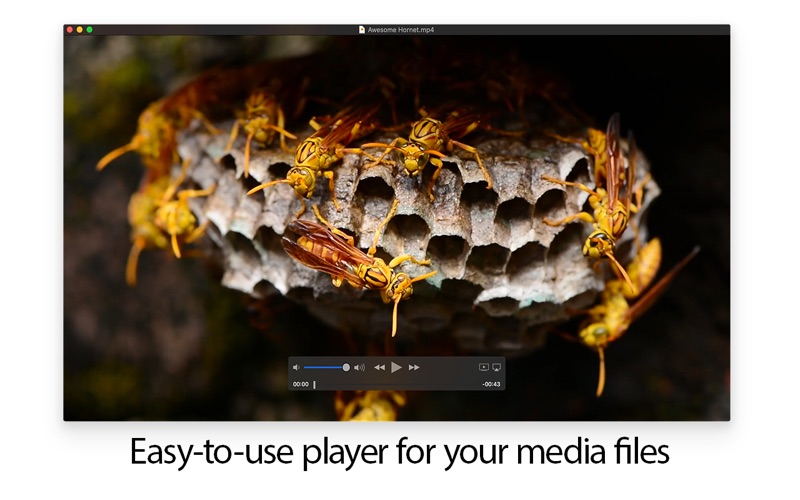
Finding a hassle-free way to enjoy high-quality video files on macOS can sometimes lead to cluttered interfaces and unnecessary configurations. MKPlayer - MKV & Media Player by Rocky Sand Studio Ltd. addresses this challenge directly. Designed specifically for the Mac platform, this utility streamlines how you interact with your personal media library, focusing on ease of use, responsive design, and seamless integration with the macOS ecosystem.
Core Functions of MKPlayer - MKV & Media Player
At its heart, this software serves as a dedicated hub for your entertainment files. Whether you are catching up on high-definition video files or listening to audio tracks, the application provides a smooth, native-feeling environment. Here is what you can actually do with it on a daily basis:
- Effortless File Dropping: Simply drag any compatible media file directly onto the Dock icon to initiate instant playback.
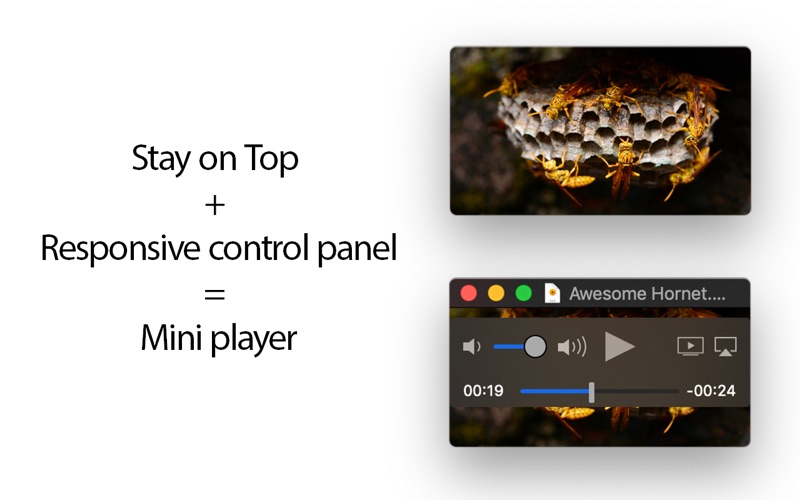
- Responsive Mini Player: The interface features a highly adaptive control panel. If you scale down the player window, the layout adjusts dynamically to look great as a compact mini player.
- Stay on Top: Keep your video visible while multitasking by configuring the player to remain pinned above all other active windows.
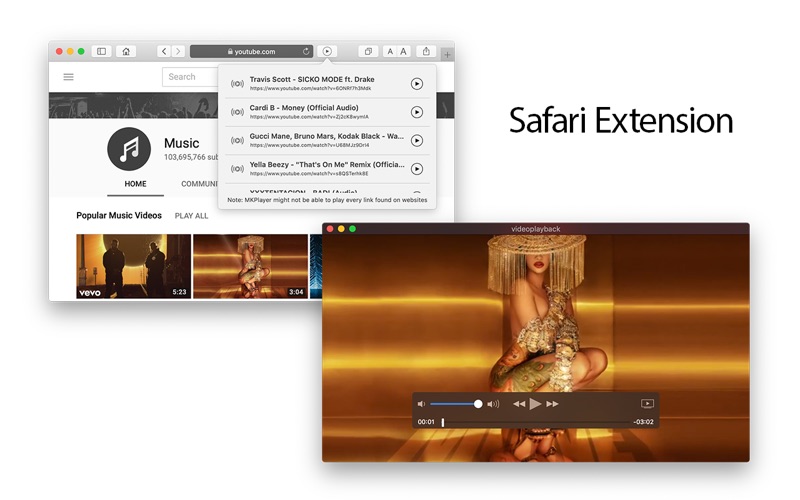
- Safari Integration: Utilize the dedicated Safari Extension to detect, list, and open media files found directly on websites.
Advanced Audio, Subtitles, and Custom Adjustments
For viewers who watch multilingual content, MKPlayer - MKV & Media Player excels at managing complex media containers like MKV files. You can effortlessly cycle through alternate audio tracks and multilingual subtitles without needing to pause your movie. Additionally, if your video has external subtitles, you can load custom subtitle files in just a few clicks.
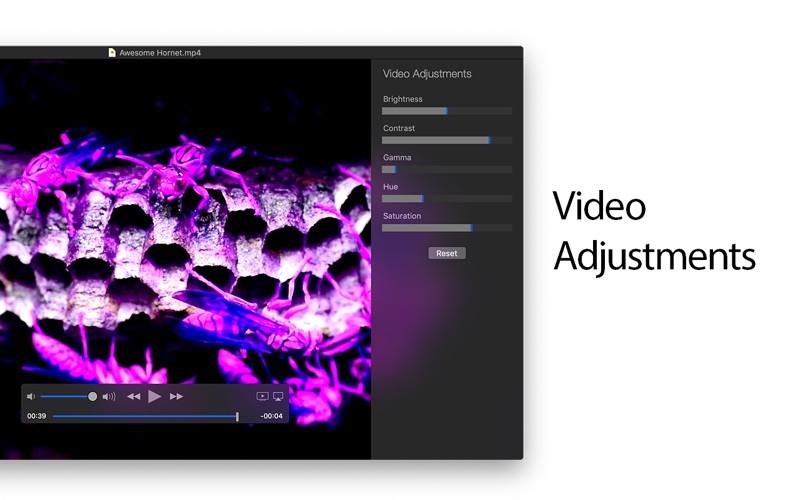
The software also features a built-in video adjustment panel, allowing users to fine-tune visual parameters such as brightness, contrast, and saturation on the fly to match their viewing environment.
Pro Features for Enhanced Control
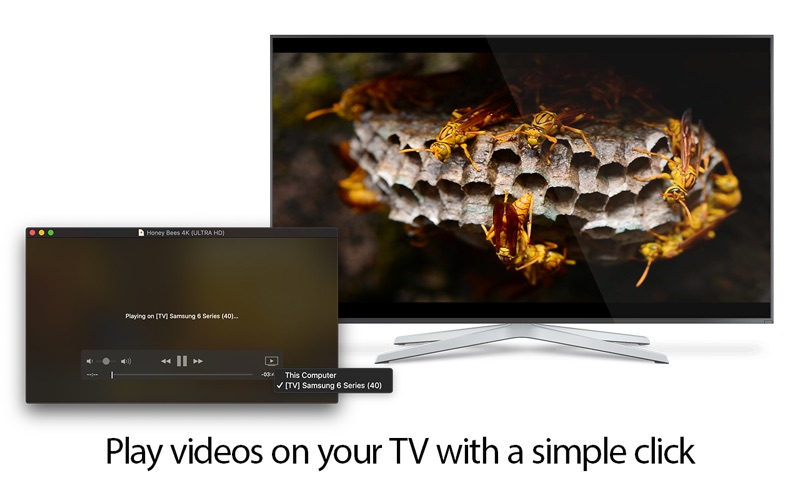
For users running macOS High Sierra or Mojave, unlocking the premium tier via an in-app purchase introduces several advanced features. These include the ability to stream video and audio content directly to compatible smart TVs, access to an inline or undocked control bar, and options to flip video playback horizontally or vertically.
Is It Right for You?
If you need a lightweight, responsive media player that handles MKV files without bogging down your system resources, this application is a strong candidate. To explore its features firsthand, you can find the application listed on its official page on the Mac App Store.
Rate the App
User Reviews




Popular Apps










Editor's Choice